
Pluck
scan · extract · act
The Smart Document Scanner
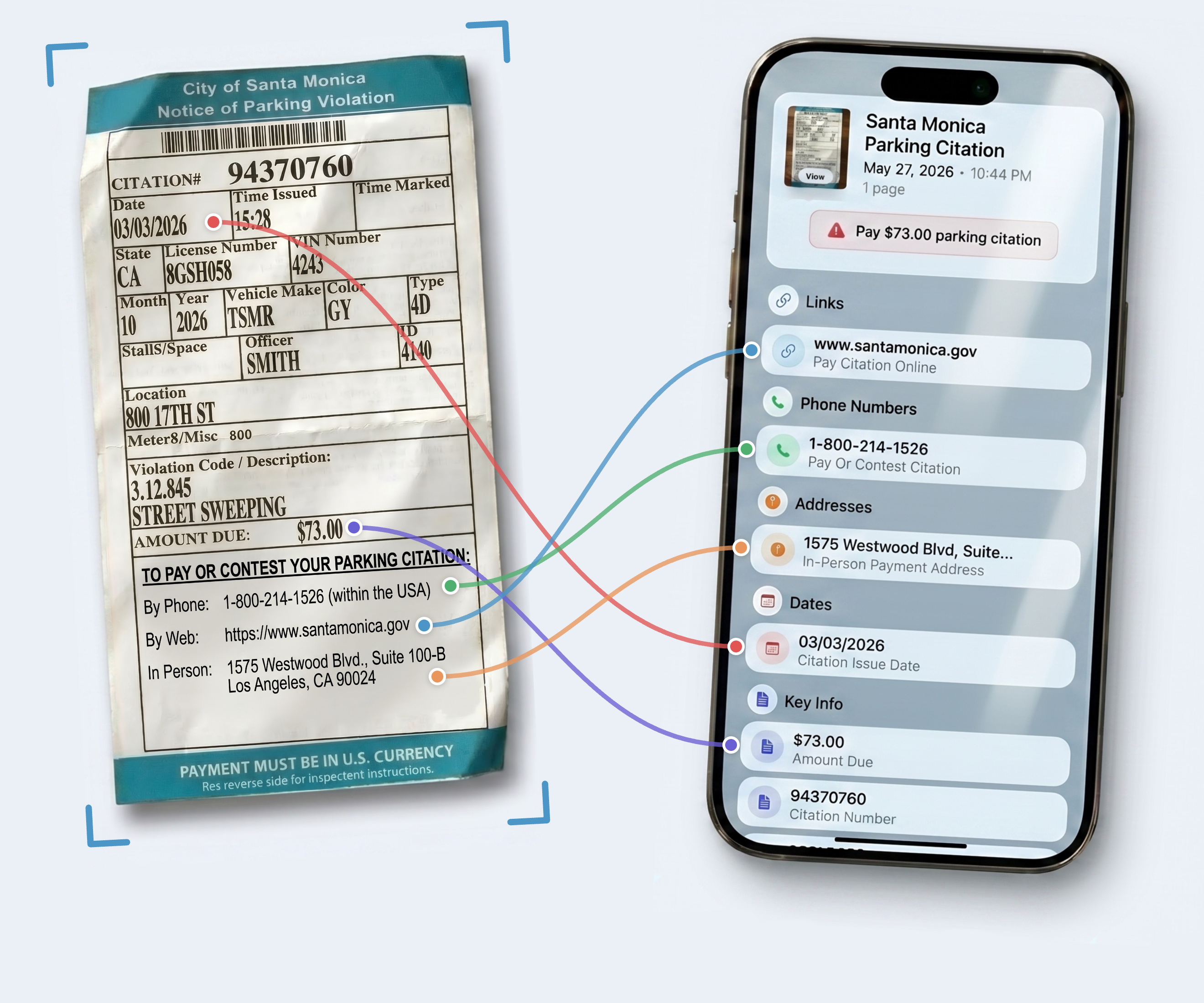
Scan the paper.
Tap the details.
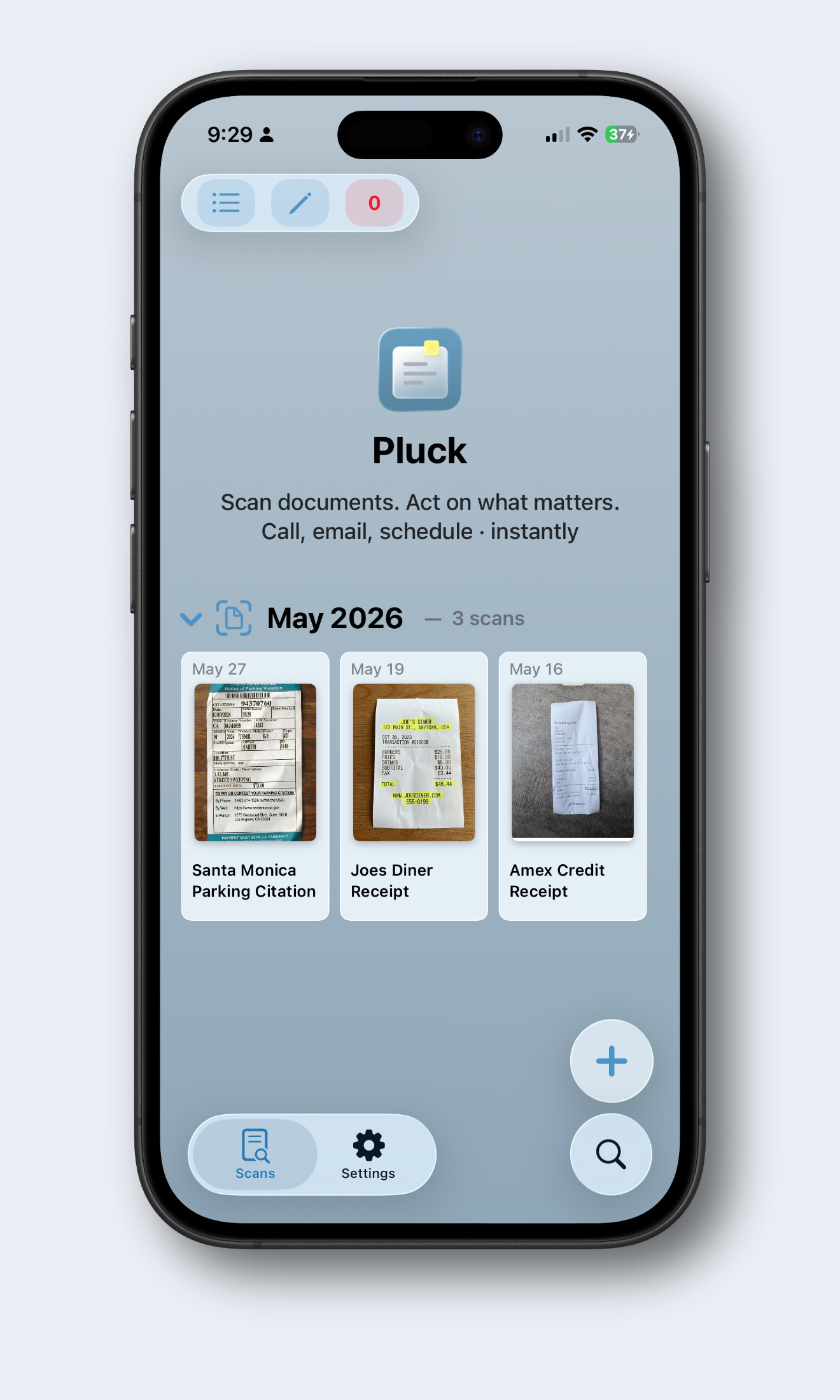
Tag it. Star it. Find it.
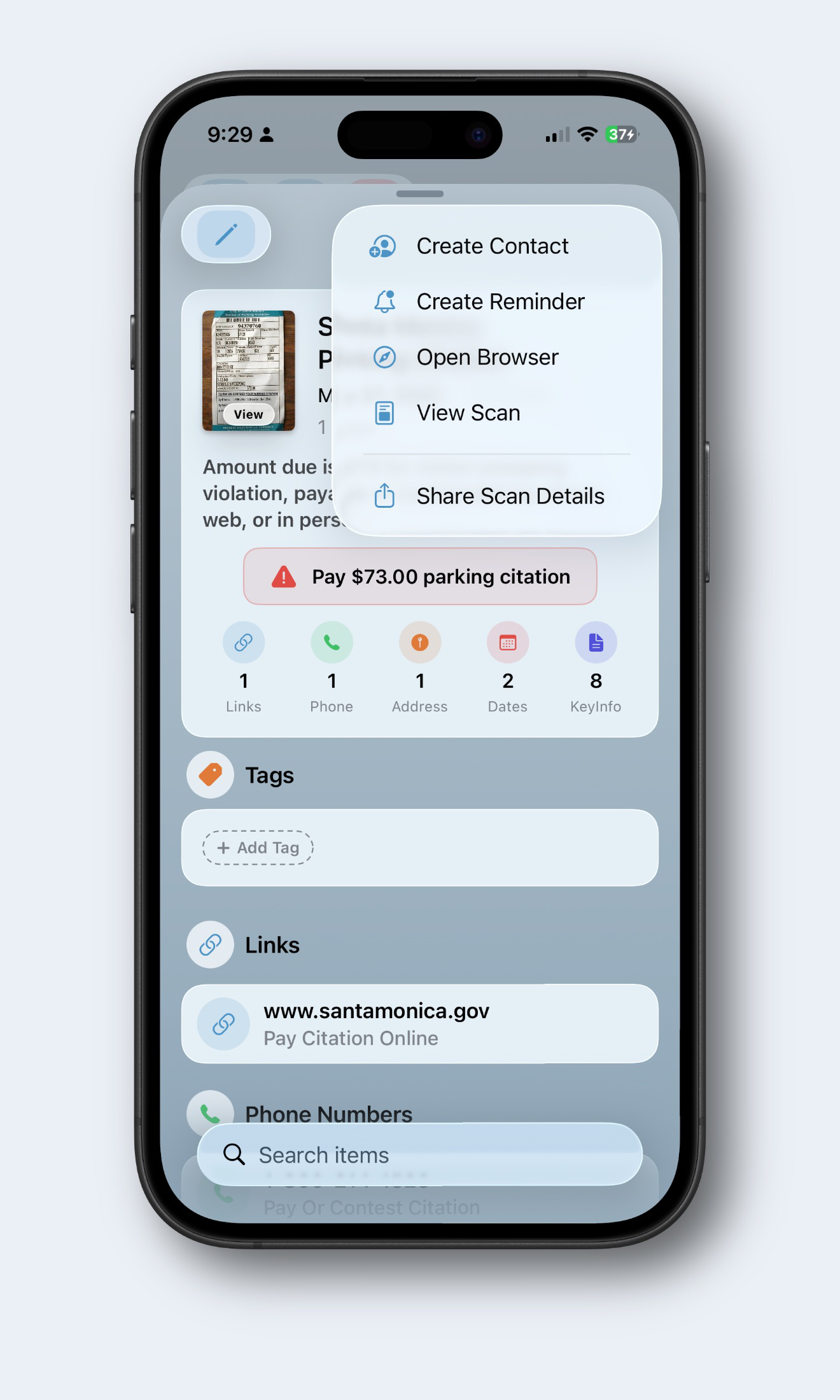
Take action.
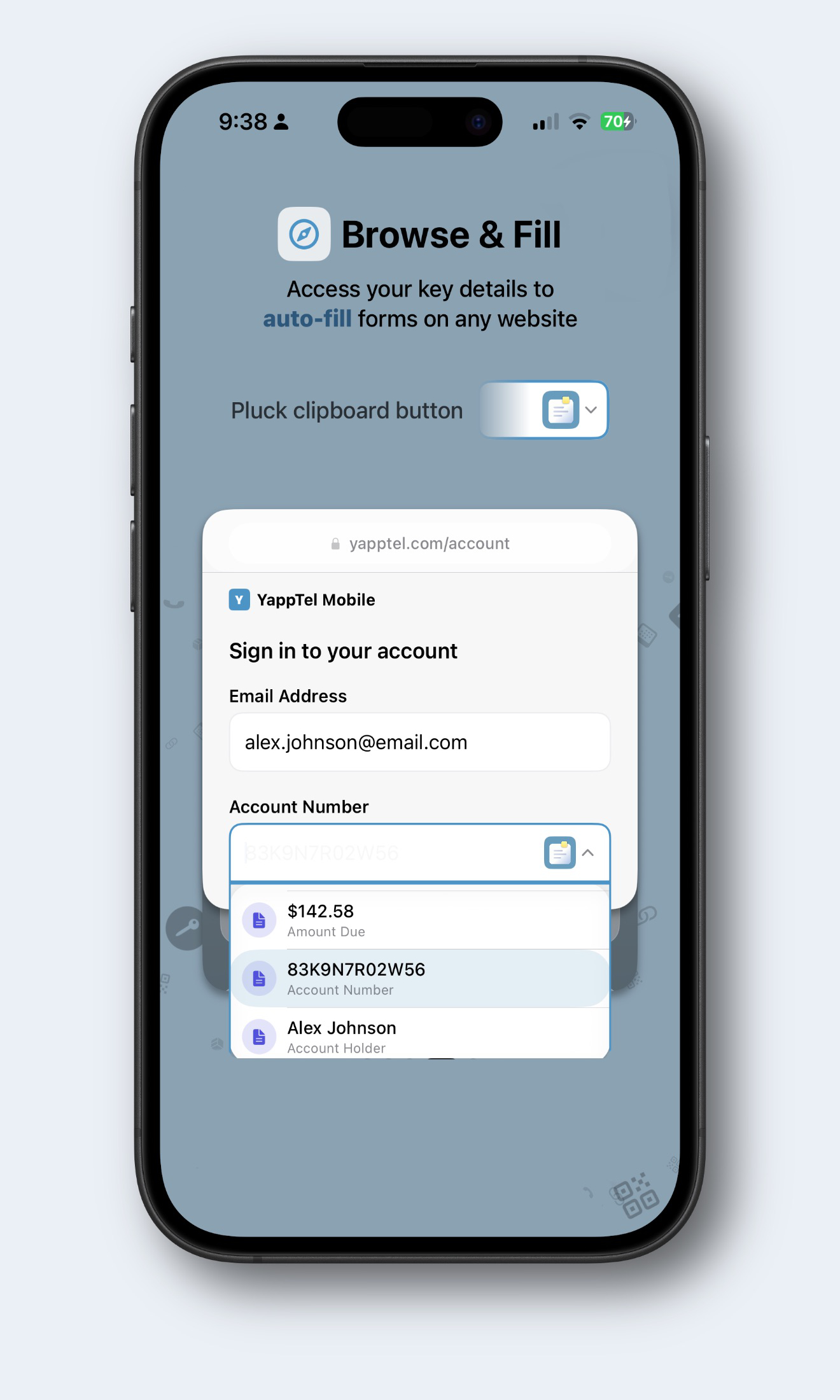
Skip the typing.
What Pluck does.
Pluck is a smart document scanner for iPhone, iPad, and Mac. It reads every phone number, email, address, date, and key detail off a scanned page and makes each one tappable. Call, open, navigate, save, or schedule with one tap. No typing.
Other scanners give you a PDF. Pluck gives you the data inside it. Adobe Scan, CamScanner, and Apple Notes are good at storing a copy of paper. Pluck is for the moment after. Pay the bill. Save the business card. Call the number. Schedule the deadline. Scans sync across your devices via iCloud. No account needed.
Private by default
Your scans stay in your iCloud.
No account. No tracking. Pluck never sees your scans.